
Microfiber Cloth for Cleaning Screens: Start Dry, Wipe Light, and Never Spray the Screen
Start dry, wipe with almost no pressure, and never spray the screen. The damage blamed on microfiber is almost never the cloth: it is grit, liquid in the bezel, or a paper towel.
By the end, you will know the three specifications that make a screen cloth, the dry-first protocol, the rules for each device from phones to camera lenses, when a spray earns its place, and the washing routine that keeps a cloth safe for hundreds of uses.
As an Amazon Associate, StyleBloom earns from qualifying purchases. This guide contains affiliate links — it costs you nothing extra and keeps our content free.
The rival guides for this query all list cloths by brand and stop short of the same decision. They sort by task without giving a device-by-device protocol, they praise microfiber without stating the never-use list that protects coatings, and they mention washing without giving the rotation system that keeps a screen cloth from scratching. This page closes all three gaps: the protocol per device, the never-use list with reasons, and the rotation that makes the daily wipe actually happen.
It sits beside the general guide, not inside it. Our microfiber cleaning guide holds the GSM, weave, and care science, and our walls guide holds the heavier cloths' territory. This page holds the screens decision only. Start dry if you read nothing else — dry wiping clears most screens, and liquid enters only when dry wiping leaves something behind.
Start dry, wipe with almost no pressure, and never spray the screen. That single sentence prevents nearly every screen-cleaning disaster, because the damage people blame on microfiber is almost never the cloth: it is grit trapped in a dirty cloth, liquid sprayed into an edge or a speaker grille, or a paper towel dragged across a coating. A microfiber cloth made for screens is a different tool from the fluffy cloth that dries a car. It is thin, flat-woven, and dense, with edges that cannot scratch, and it lifts facial oils and fingerprints off glass without a drop of cleaner in most cases. This guide gives you the device-by-device protocol for phones, monitors, laptops, televisions, tablets, eyeglasses, and camera lenses, the coating rules that decide what may touch each one, the spray decision, and the washing routine that keeps a screen cloth safe for hundreds of uses. Our microfiber cleaning guide holds the full GSM, weave, and care science; this page is the screens decision only, and it assumes you own, or are about to buy, one cloth made for the job.
The Right Cloth: Flat Weave, 200 to 250 GSM, Edges That Cannot Scratch
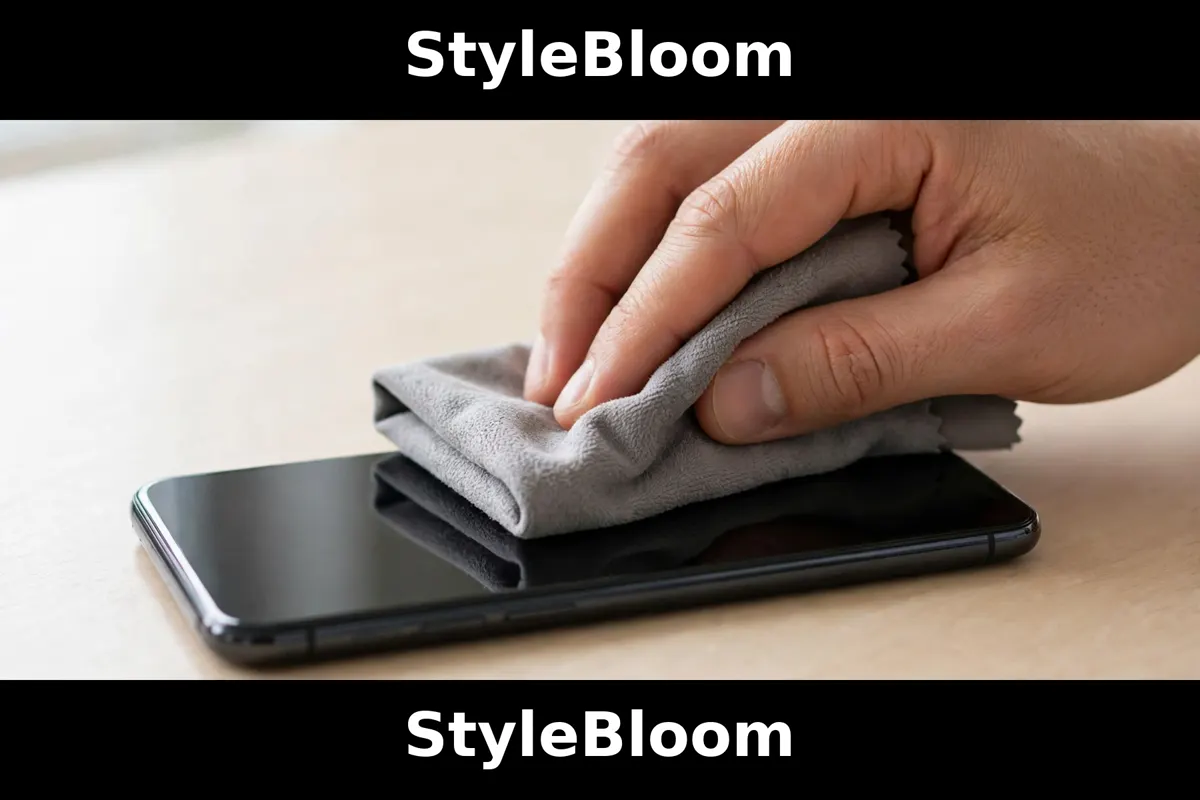
Three specifications decide whether a cloth is a screen cloth, and they are printed on the label or the listing, not on the price tag. First, the weave: flat or suede weave, smooth and thin, with no pile to trap grit away from the surface and no loops to catch an edge. A fluffy terry cloth, however soft it feels, holds particles in its pile and drags them across the glass, which is how micro-scratches happen on a cloth that never scratched anything when new. Second, the weight: 200 to 250 GSM, the light band the material guides assign to glass, electronics, and polishing, thin enough to make full contact with the glass and slice through oils without bulk getting in the way. Heavier cloths, 350 GSM and up, are drying and dusting tools, and their thickness is a liability on a small screen. Third, the edges: silk-banded, laser-cut, or fused edges, because cheap serged edges, the visible overlocked threading around the rim, are stiff enough to mark delicate coatings and paint, and they fray into the very lint a screen cloth exists to avoid.
The blend matters less than the weave and the edges, but it is worth one sentence: quality microfiber runs 70 to 80 percent polyester and 20 to 30 percent polyamide, and the split fibres in that blend are what lift oils into the cloth's channels instead of pushing them around the glass. A cloth that does not state its blend or its GSM is selling a color, not a specification, and the specification is what you live with. Size follows the device: a 6 by 7 inch cloth lives in a pocket or a glasses case and handles phones and eyeglasses, a 12 by 12 inch cloth handles laptops and monitors, and a 13.5 inch square handles televisions without constant refolding. Buy three of the size you use most, not one, because the rotation system in the care section depends on always having a clean cloth, and a screen cloth that is dirty is a screen cloth that scratches.
What you already own is probably the wrong cloth, and the test takes ten seconds. Hold it to the light: if you can see pile, loops, or a waffle grid, it is a drying or dusting cloth, and it belongs on glassware and mirrors, not on a coated screen. Run a fingertip across it: if it grips and drags, that grip is the pile catching, and on a screen it catches grit the same way. The screen cloth feels silky, almost slippery, and slides over glass with no resistance at all. Our walls guide holds the heavier cloths' territory, and the general guide holds the full weave catalogue. For screens, flat, light, and edgeless is the whole specification, and everything else in this guide assumes it.
The Dry-First Protocol: Power Down, Fold, Wipe, Buff
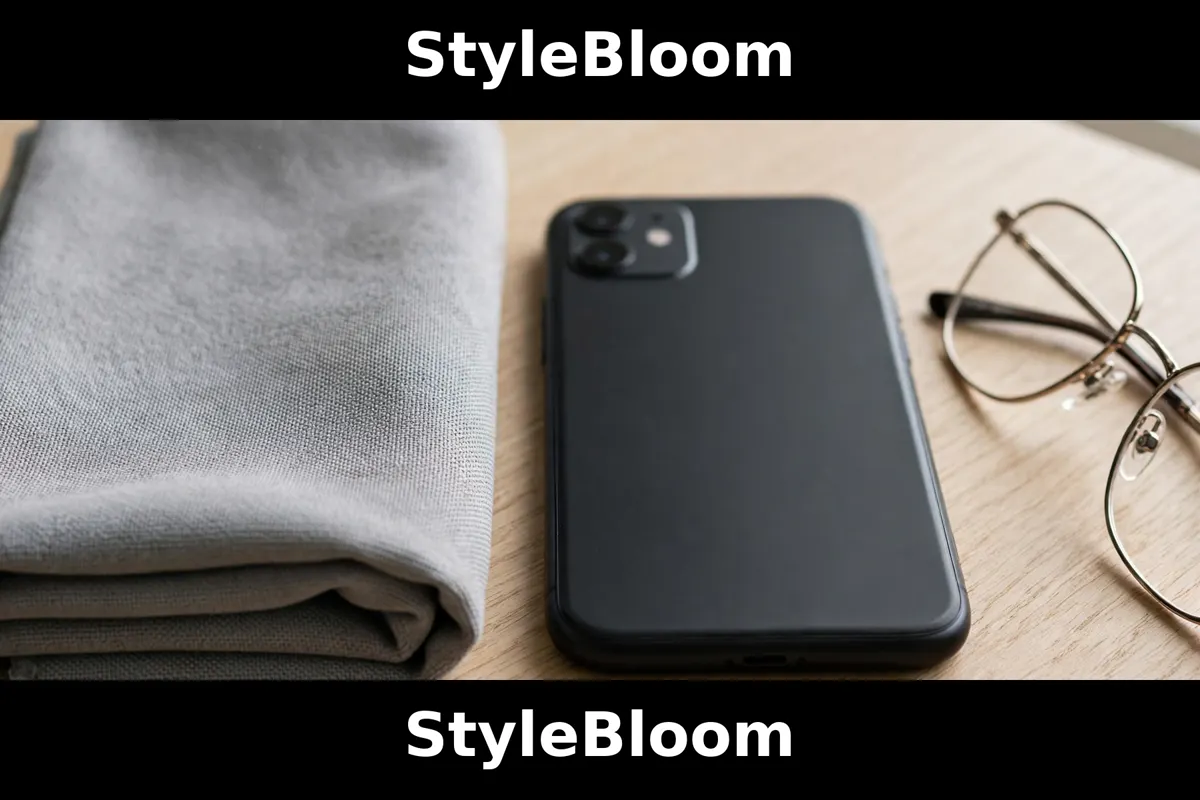
Every device in this guide is cleaned the same way at the start, and the sameness is the point. Power the screen down, or at least put it to sleep, because a dark screen shows every smear, fingerprint, and dust mote that a lit screen hides, and because wiping a live touchscreen invites accidental taps, calls, and settings changes. Fold the cloth into quarters, which gives eight fresh cleaning surfaces per cloth, four on each side, and work one surface at a time, refolding to a clean face the moment the working face looks soiled, instead of wiping old dirt back onto a new area. Wipe with minimal pressure in slow, overlapping passes, letting the fibres do the work, because pressure is what turns a trapped grain of grit into a scratch, and no screen needs force to give up fingerprints. Finish with a dry buff on a fresh face of the cloth, in the same overlapping pattern, which is what removes the last haze and leaves the glass invisible.
Direction matters less than consistency, with one exception: on a large television or monitor, work top to bottom in horizontal bands, so dust and loosened particles fall onto areas you have not cleaned yet rather than onto the finished ones. On a phone, work the whole face in one slow pass, then the camera lens with a separate clean face, because the lens carries its own oils and its own grit and should never share a face with the screen. On eyeglasses, hold the frame, not the lens, wipe each lens separately, and never wipe dry grit off a dry lens without first blowing or rinsing the loose particles away, which is the one place the dry-first rule bends, and the glasses section explains why. The protocol takes under a minute per device, and it is the entire method for a lightly soiled screen. Liquid enters only when dry wiping leaves something behind, and the spray section decides when that is.
The folding discipline is what professional cleaners actually do differently, and it costs nothing. A scrunched cloth presents a random surface, part clean and part dirty, and the dirty part is what scratches. A folded cloth presents a known-clean face, and the refold is the moment you choose a new one. Keep the cloth folded as you work, keep the dirty faces inside the fold, and shake the cloth out away from the device when you refold, so loosened dust leaves the cloth instead of resettling on it. A cloth that has cleaned three devices without a refold has cleaned none of them well, and a cloth that has cleaned a kitchen counter has no business near a screen until it has been washed, which is why the colour-code and rotation rules in the care section exist.
Device by Device: Phone, Monitor, Laptop, TV, Tablet, Glasses, Camera
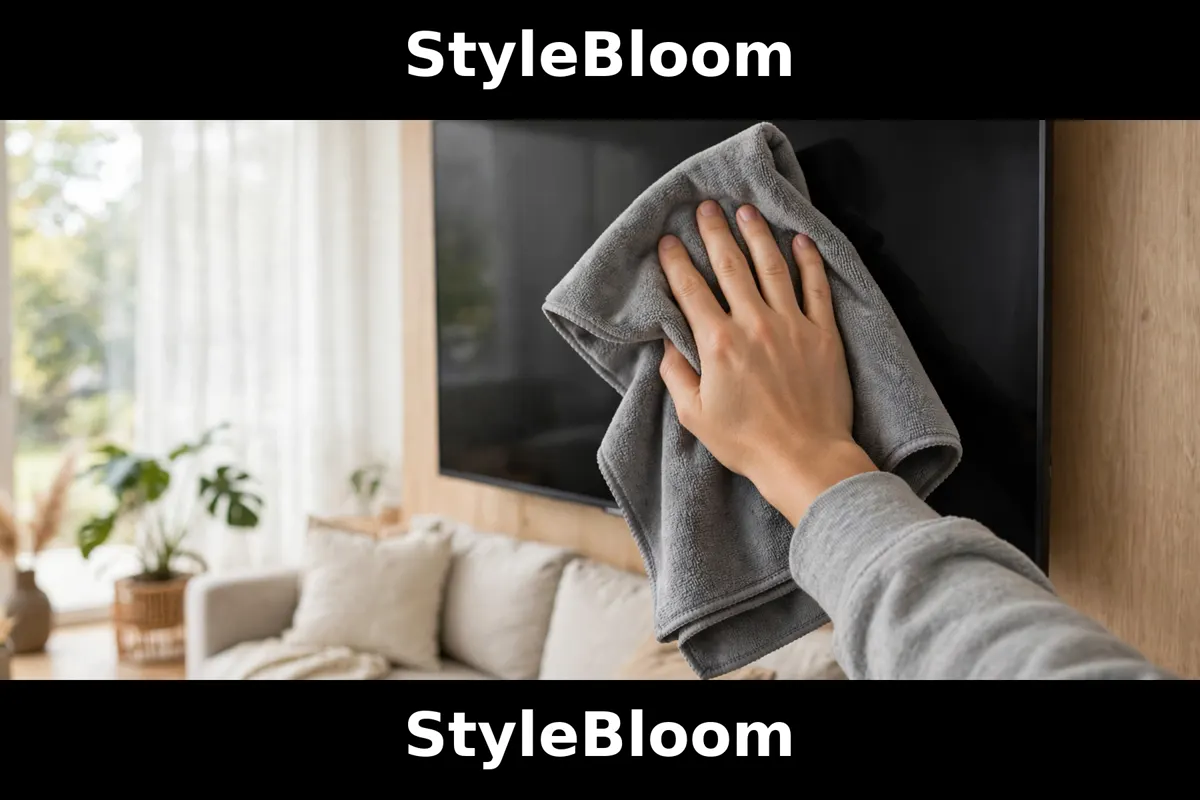
The phone is the most-cleaned screen in the house and the easiest to get wrong, because it lives in pockets and hands and collects the most oil. Wipe it dry-first, daily, with the pocket cloth, paying attention to the earpiece and the camera island, where skin oils collect and where a cloth face should never be shared with the screen. Remove the case weekly and wipe the back and the edges, because grit lives under cases and migrates onto the screen at the edges. If the phone carries a screen protector, the protocol is identical, and the protector is the part that takes the wear, which is its job. The oleophobic coating, the oil-repelling layer bonded to the glass that makes fingerprints wipe away easily, wears with use and with harsh cleaning, and no cloth restores it once it is gone, so the gentle protocol is also the coating-preservation protocol: minimal pressure, no abrasives, no ammonia, and liquid only on the cloth, never on the phone.
Monitors and laptops share a protocol with one difference: size. A monitor is wiped in horizontal bands, top to bottom, with the 12-inch cloth, and a laptop is wiped the same way with the screen open flat and supported, never wiped while the lid flexes on a lap. Keyboards are cleaned separately, with a dry terry cloth for dust followed by a dry pass, and the screen cloth never doubles as the keyboard cloth, because keyboard grit is exactly the grit that scratches. Never spray a monitor or a laptop screen directly: liquid runs into the bottom bezel, the hinge, and the vents, and the damage shows up as lines and dead zones weeks later. Dampen the cloth, never the device, with a fine mist of water or a screen-safe spray on the cloth only, and wipe immediately. Televisions follow the monitor protocol at larger scale, with the 13.5-inch cloth, dry-first, and the same never-spray rule, and a television that is wiped weekly with a dry cloth rarely needs liquid at all, because its soil is dust, not skin oil.
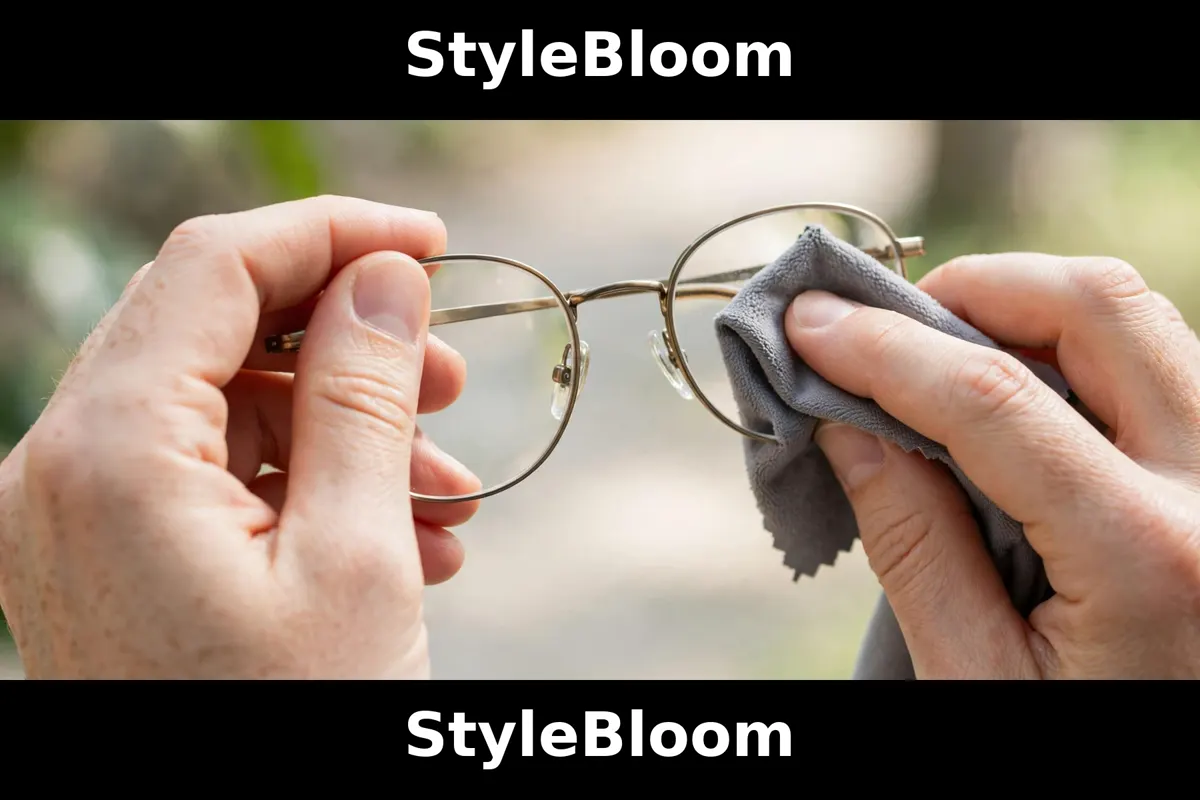
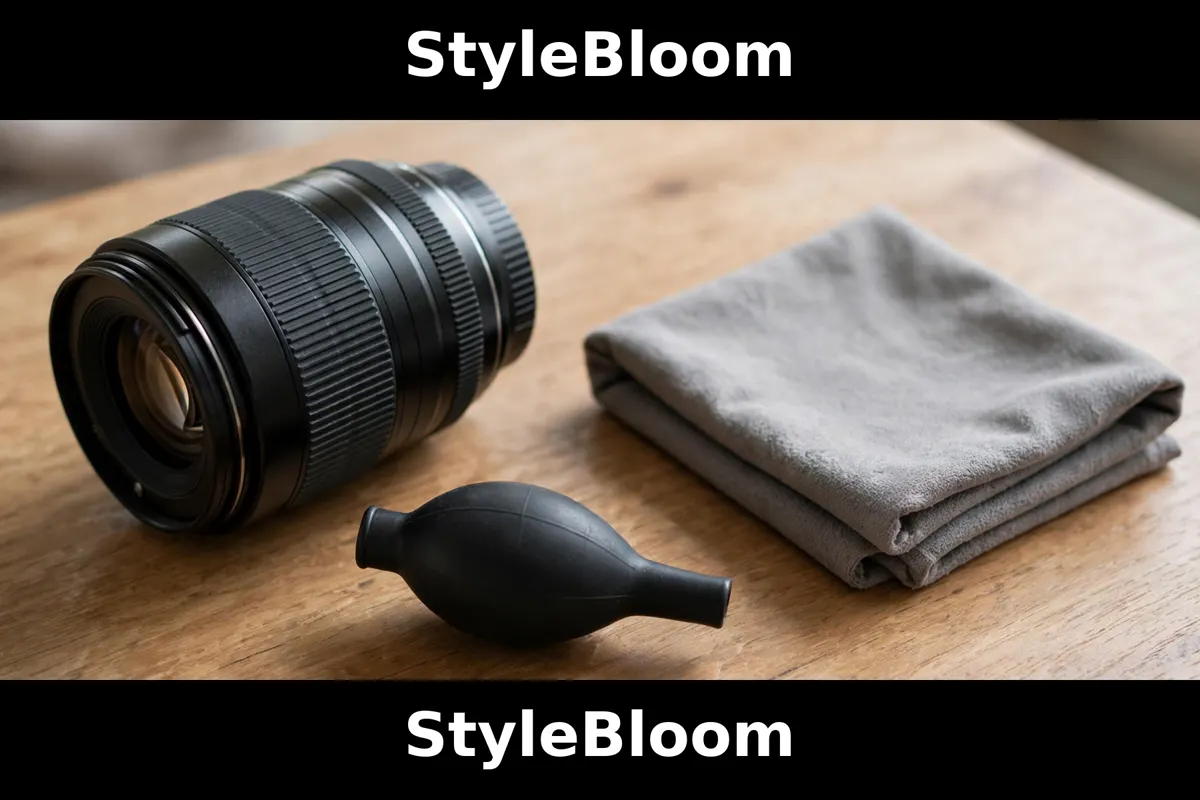
Tablets sit between phones and laptops: handheld like a phone, sized like a small laptop, and cleaned with the phone protocol plus the horizontal-band pattern for the larger face. Eyeglasses break the dry-first rule in one specific way: rinse or blow loose grit off the lenses first, because a dry lens with a grain of sand on it scratches on the first wipe, and the rinse is what removes the grain. Then wipe each lens with a clean face of the glasses cloth, holding the frame, and store the cloth in its case, not loose in a pocket with keys and coins. Camera lenses are the most delicate surface in this guide, and the rule tightens accordingly: blow first with a blower, never with breath, brush only with a lens brush, and wipe only with the flat-weave cloth on a fresh face, in a slow spiral from the centre out, with no pressure at all. A lens that needs more than that needs a lens pen or a professional clean, not a harder wipe. The table below summarises the whole section, and the sections after it explain the two decisions the table assumes: spray, and washing.
| Device | Cloth size | Pattern | Liquid | Watch out for |
|---|---|---|---|---|
| Phone | 6 by 7 in | Whole face, one pass | Dry; mist on cloth only | Oleophobic coating; case grit |
| Monitor | 12 by 12 in | Horizontal bands, top down | Dry; mist on cloth only | Never spray the screen |
| Laptop | 12 by 12 in | Bands; lid supported | Dry; mist on cloth only | Keyboard grit; flexing lid |
| Television | 13.5 in square | Bands, top down | Dry first; rarely needs liquid | Bezel and vents |
| Tablet | 12 by 12 in | Bands, phone care | Dry; mist on cloth only | Shared hands, shared oils |
| Eyeglasses | 6 by 7 in | Each lens separately | Rinse grit first, then dry | Anti-reflective coatings |
| Camera lens | 6 by 7 in | Spiral, centre out | Dry only; blower first | No pressure; no breath |
Search by device and cloth type, and compare current listings before buying, since bundles change. The links below search the exact screen cloths on Amazon: the flat-weave electronics cloths, the pocket glasses cloths, and the larger television cloths, plus the screen-cleaner kits that pair a spray with a cloth. Check three things on every listing: the weave words, the GSM figure, and the edge description, because those three specifications are the whole purchase.
Flat-weave microfiber cloths for electronics · Pocket microfiber cloths for glasses and phones · Large microfiber cloths for TV screens · MagicFiber screen cloths · Koala Kloth glasses cloths
The Spray Decision: Dry First, Mist on the Cloth, Never on the Screen
Most screens never need a spray. Dry microfiber lifts dust, fingerprints, and facial oils on its own, because the split fibres hook oils into their channels instead of smearing them, and the dry-first protocol above clears a daily phone and a weekly television without a drop of liquid. Liquid earns its place in exactly three situations: dried-on residue that dry wiping leaves behind, a greasy film after cooking or sunscreen that smears instead of lifting, and a television or monitor that has not been wiped in months and carries a layer of settled grime. In each case the liquid goes on the cloth, never on the screen, as a fine mist on one face, and the wipe follows immediately, with a dry face buffing behind it. Spraying the screen directly is the mistake that fills bezels, speaker grilles, and vents with liquid, and the damage it causes is slow, invisible, and permanent.
Water is the first spray, and for most screens it is the only spray ever needed. A fine mist of plain water on the cloth handles the three situations above, and it carries no risk to any coating named in this guide. A screen-specific spray, of the kind sold in kits with a cloth, is the second spray, and it earns its place where water leaves a haze on a particular screen, usually a large television with a matte anti-glare layer or a monitor with a stubborn film. Buy the kit form, spray plus cloth, where the kit is the known quantity, and use it the same way: mist on the cloth, wipe, buff dry. What never belongs on a coated screen is the household glass cleaner: ammonia-based cleaners attack anti-reflective and oleophobic coatings, and the damage shows up as a permanent haze that no cloth removes. Alcohol, vinegar, and household disinfectants belong in the same category for coated screens, not because they fail to clean, but because they clean the coating off along with the dirt. The rule is absolute for eyeglasses and camera lenses, which carry the most delicate coatings in the house, and it is strongly advised for every screen in this guide.
The kit question answers itself once the rule is stated. A kit is worth buying when it pairs a screen-safe spray with a cloth of the right specification, and it is worth skipping when it pairs a spray with a generic fluffy cloth, because the cloth is the tool and the spray is the assistant. Check the kit's cloth against the three specifications in the first section before buying, and buy the cloth separately if the kit's cloth fails them. A bottle of screen spray with no cloth, or a cloth with no spray, is the better purchase in both cases, because each half is then chosen on its own merits. The search links below cover the kits and the standalone sprays, so the choice can be compared on current listings.
Screen cleaner kits with spray and cloth · Screen Mom cleaner kit · WHOOSH screen cleaner kit
The Never-Use List: What Scratches, Streaks, and Strips Coatings
Paper towels are first on the list, and they are first because they are the most common. Paper is wood fibre, and wood fibre dragged across glass leaves lint at best and hairline defects at worst, which is why every material guide in the research names them as the thing to avoid. Tissues, napkins, and shirt sleeves belong in the same category: they carry lint, grit, and rough fibres, and they smear oils instead of lifting them. A dirty microfiber cloth is second, and it is second because it is the betrayal of the good tool: a cloth that has cleaned a counter, a window, or a keyboard carries the grit of those jobs, and grit under pressure is sandpaper, whatever the cloth is made of. Wash the screen cloths separately, and retire any cloth that has picked up grit it will not release.
Household glass cleaner with ammonia is third, for the coating reason stated above, and it is joined by vinegar, alcohol, and disinfectant sprays on coated screens, all of which clean the coating along with the dirt. Spraying any liquid directly onto a screen is fourth, for the bezel and vent reason, and it applies to water as much as to spray. Compressed air is fifth, where it is aimed at a screen: the propellant can spit liquid onto the glass, and the force drives dust into edges and under bezels, where it stays. A blower bulb, squeezed by hand, is the safe version for camera lenses, and a soft brush is the safe version for keyboards. The sixth item is pressure itself: pressing harder does not clean better, it only turns trapped grit into scratches, and the correct response to a stubborn mark is liquid on the cloth and patience, never force. The seventh is heat: never wipe a hot screen, fresh from sunlight or heavy use, because heat sets oils into the glass and makes the wipe smear instead of lift. Let the device cool, then wipe.
The list has a positive form, and it is worth stating because it is short. Use a flat-weave screen cloth, folded, dry-first, with minimal pressure, on a cool, powered-down screen, with liquid only on the cloth and only when dry wiping leaves something behind. That sentence, followed every time, is the whole of screen care, and every item on the never-use list is a way of breaking one clause of it. Print it mentally on the inside of the glasses case, where the cloth lives, and the screens in the house will stay clear for the life of the devices.
Washing and Rotation: The Routine That Keeps a Screen Cloth Safe
A screen cloth is washed more often than any other cloth in the house, because a dirty screen cloth is the one that scratches, and the routine is the same routine the general guide gives, tightened for screens. Wash after heavy use, and at least weekly for the daily phone cloth, in warm water with a small amount of mild liquid detergent, with the screen cloths washed together and separately from cotton towels, because cotton lint clogs microfiber and kills the very channels that lift oils. Never use fabric softener, which coats the fibres, destroys their charge and absorbency, and leaves the cloth smearing instead of lifting. Never use bleach or chlorine, which degrade the fibres, and never use dryer sheets, which coat them the same way softener does. Tumble dry on low or hang dry, and never iron. With that routine, a quality cloth lasts three hundred to five hundred washes, which is years of daily phone wiping for the price of a coffee.
Restore a cloth that has gone greasy or lost its lift with an overnight soak in warm water with a tablespoon of white vinegar, then a normal wash, which strips the detergent residue and the embedded oils that dull the fibres. Wash a heavily soiled cloth separately, or pre-rinse it, so its grit does not embed in the clean cloths sharing the load. And inspect before every use: hold the cloth to the light, shake it out, and run a fingertip across it, because a cloth carrying a grain of sand announces itself to the fingertip before it announces itself to the screen. A cloth that feels gritty after washing is a cloth for dusting, not for screens, and the retirement ladder in the general guide tells you where it goes next. The rotation is three cloths per heavy-use device: one in use, one in the wash, one clean and ready, so a dirty cloth is never pressed into service for lack of a clean one. Colour-code by device where the household shares cloths, so the phone cloth never cleans the television and the glasses cloth never cleans the kitchen, because cross-use is how grit travels.
The pocket kit is the last piece of the system, and it is the piece that makes the daily protocol happen instead of remaining an intention. One 6 by 7 inch flat-weave cloth in a small zip pouch, in the bag or the jacket pocket, with a second cloth in the glasses case, covers the phone, the glasses, and the tablet wherever the day goes. The pouch matters, because a loose cloth in a pocket collects lint, coins, and keys, and arrives at the screen carrying exactly what it should not. Refill the kit from the clean rotation weekly, and wash the pouch with the cloths. A kit that lives in the bag gets used. A cloth that lives in a drawer gets remembered on the day the screen is already smeared beyond dry wiping, which is the day liquid and pressure enter the story, and the day the never-use list gets broken.
Seven Mistakes That Leave Screens Worse Than Before
First, wiping a lit screen, where every smear hides until the device sleeps. Second, spraying the screen instead of the cloth, and filling the bezel with liquid. Third, using a paper towel, a tissue, or a sleeve, and leaving lint and hairlines. Fourth, pressing harder on a stubborn mark, and turning trapped grit into a scratch. Fifth, cleaning a coated screen with ammonia glass cleaner, vinegar, or alcohol, and stripping the coating that made fingerprints wipe away. Sixth, using one dirty cloth for every device in the house, and carrying grit from the kitchen to the camera lens. Seventh, washing with fabric softener, and coating the fibres that were supposed to lift the oils. Every one of these mistakes is common, every one is avoidable, and the fifth is the only one that permanently damages a coating, which is why it is stated as a rule: no ammonia, no vinegar, no alcohol on a coated screen, ever. The rest are habits, and habits change with a pouch in the bag and a clean cloth in the rotation.
The screen cloth is the smallest, cheapest tool in the house, and it is the one that touches the most expensive surfaces in it. Buy flat, light, and edgeless, wipe dry-first with almost no pressure, mist the cloth only when dry wiping leaves something behind, and wash without softener. That is the whole discipline, and it is enough. The glass you look through every day should be invisible, and the cloth that keeps it invisible should be the one thing in the house that never gets asked to do a job it was not made for.
E-Cloth screen cleaning cloth · Microfiber screen cloth multi-packs · Lens blower and camera cleaning kit
What to try first: Power down your phone, fold the cloth into quarters, and wipe the whole face dry with one slow pass. Good looks like: the glass disappears, with no haze and no lint. If it fails: refold to a fresh face, mist the cloth lightly, and buff dry — never press harder. Learn next: Microfiber Cleaning Cloths: The Complete Guide — the GSM and weave science behind the cloth.
Frequently asked questions
- Is a microfiber cloth good for cleaning a phone screen?
- Yes, when it is a flat-weave screen cloth used dry-first with minimal pressure. It lifts fingerprints and facial oils without scratching, and it is safe for the oleophobic coating when used gently. A fluffy terry cloth, a paper towel, or a dirty cloth is not safe, because pile, lint, and trapped grit are what scratch.
- Can I use a microfiber cloth on a TV screen?
- Yes. Use a large flat-weave cloth, 13.5 inches square, dry-first, in horizontal bands from the top down. Televisions mostly collect dust, so they rarely need liquid. Never spray the screen directly, and never use ammonia glass cleaner, which damages coatings.
- What GSM microfiber cloth is best for screens?
- 200 to 250 GSM, the light band. Thin, flat-weave cloths make full contact with glass and lift oils without bulk. Heavier cloths of 350 GSM and up are drying and dusting tools, and their thickness is a liability on a small coated screen.
- Should I wet a microfiber cloth to clean a screen?
- Start dry. Dry wiping clears most screens on its own. Wet the cloth, never the screen, only when dry wiping leaves dried-on residue or a greasy film: a fine mist of water or screen-safe spray on one face of the cloth, wipe immediately, then buff dry with a fresh face.
- Can I use Windex on a phone or laptop screen?
- No. Ammonia-based glass cleaners attack the oleophobic and anti-reflective coatings on phones, laptops, monitors, and eyeglasses, leaving a permanent haze. Use water or a screen-specific spray, misted onto the cloth, and never sprayed onto the device.
- Will a microfiber cloth scratch my screen?
- A clean flat-weave screen cloth will not scratch glass or coatings. Scratches come from grit trapped in a dirty cloth, from serged edges on cheap cloths, or from pressure. Wash screen cloths separately, inspect them before use, and wipe with minimal pressure.
- How do I clean eyeglasses with a microfiber cloth?
- Rinse or blow loose grit off the lenses first, because dry grit scratches on the first wipe. Then wipe each lens separately with a clean face of the glasses cloth, holding the frame, and store the cloth in its case. Never use ammonia cleaner on coated lenses.
- Can I use the same cloth for my phone and my camera lens?
- No. Camera lenses are the most delicate surface in the house and need their own clean cloth. Blow first with a blower, never with breath, and wipe in a slow spiral from the centre out with no pressure. Sharing a cloth carries grit from one device to the other.
- How do I wash microfiber screen cloths?
- Machine wash in warm water with a small amount of mild liquid detergent, washed together and separately from cotton towels. Never use fabric softener, bleach, or dryer sheets, which coat or degrade the fibres. Tumble dry on low or hang dry. A quality cloth lasts 300 to 500 washes with this routine.
- Why does my microfiber cloth leave streaks?
- Usually one of three causes: the cloth is dirty or greasy, it was washed with fabric softener, or it is the wrong weave for the job. Restore a greasy cloth with an overnight warm-water and vinegar soak, then wash normally. Switch to a flat-weave 200 to 250 GSM cloth, and buff with a fresh dry face.
- Can I use a microfiber cloth on a monitor with an anti-glare coating?
- Yes, dry-first with a flat-weave cloth and minimal pressure, with liquid only on the cloth. Matte anti-glare layers show haze more readily than glossy glass, so the dry buff matters most. Never use ammonia, vinegar, or alcohol on a coated monitor.
- What is the difference between flat weave and terry microfiber?
- Flat or suede weave is smooth, thin, and edgeless, made for glass, screens, and lenses. Terry or looped weave is fluffy and absorbent, made for drying, dusting, and general cleaning. Terry pile traps grit and drags it across glass, which is why it does not belong on a coated screen.
- How often should I clean my phone screen?
- Daily, dry-first, with the pocket cloth: under a minute. Remove the case weekly and wipe the back and edges, where grit collects and migrates onto the screen. A screen wiped daily rarely needs liquid, which is also how the oleophobic coating lasts longest.
- Can I clean a screen with a paper towel?
- No. Paper towels are wood fibre, and they leave lint and can create hairline defects on glass and coatings. Tissues, napkins, and shirt sleeves fail the same way. Use a clean flat-weave microfiber cloth, folded, with minimal pressure.
- What should be in a screen-cleaning travel kit?
- One 6 by 7 inch flat-weave cloth in a small zip pouch, plus a second cloth in the glasses case. The pouch keeps lint, coins, and keys off the cloth. Refill from the clean rotation weekly, and wash the pouch with the cloths. A kit in the bag gets used; a cloth in a drawer gets remembered too late.